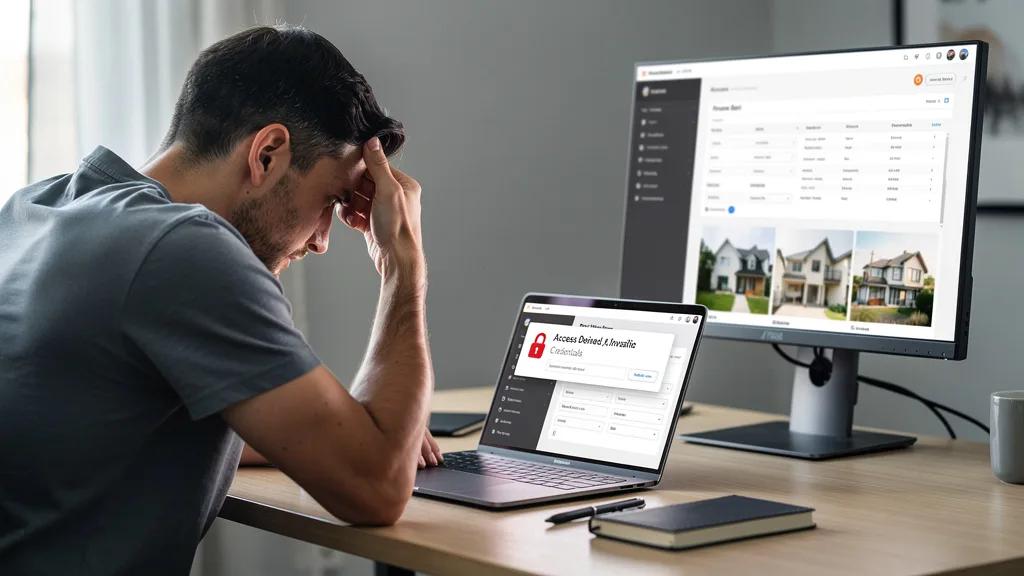
Locked out of your account on a key property site just when you found the perfect listing? Losing access at a critical moment is frustrating, but it's almost always a fixable problem. The key is to follow a systematic approach to identify the issue and regain control of your account quickly and securely.
To regain access to property sites, first use the 'Forgot Password' link, which resolves the majority of login issues. If that doesn't work, clear your browser's cache and cookies or try logging in with an incognito window to rule out technical glitches. For persistent problems, you may need to complete identity verification or contact the site's support team directly with your account details ready.
Common Reasons You Are Locked Out of a Property Site
Understanding why you're locked out is the first step toward a solution. The most frequent cause is simply entering an incorrect password or username. After several failed attempts, many websites will temporarily lock your account as a security measure to prevent unauthorized access. This is a common scenario designed to protect your personal information and saved listings.
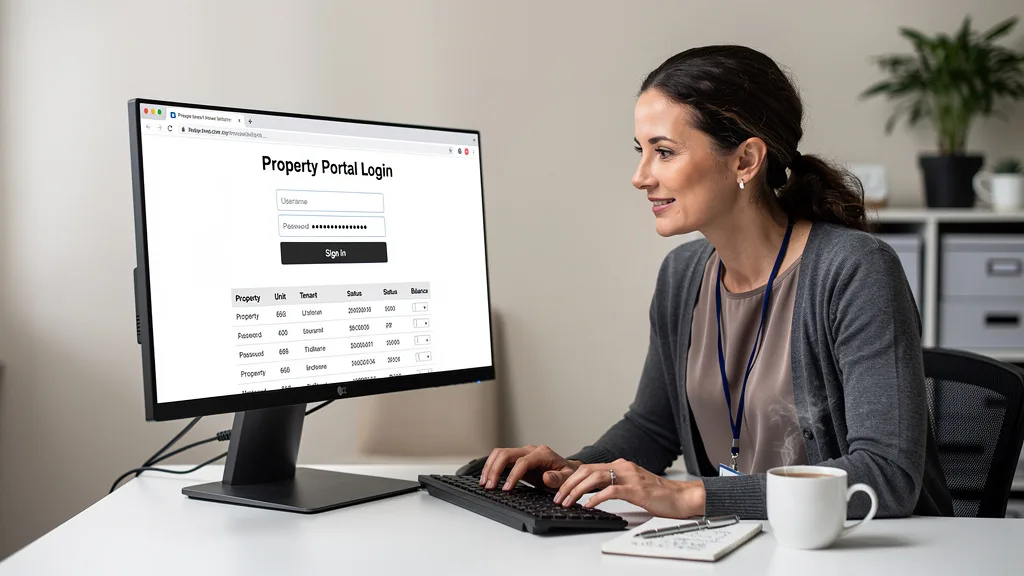
Another prevalent reason is an expired password. For security purposes, some platforms require you to update your credentials periodically. If you miss the notification, your old password will no longer work. Less common but more serious reasons include account suspension or deactivation due to a violation of the site's terms of service, or if the platform's security system has flagged your account for suspicious activity.
Basic Troubleshooting Steps to Regain Access in 2026
Before escalating the issue, there are several basic access troubleshooting steps you can take yourself. These simple actions resolve the vast majority of login problems without needing to contact customer support. Start with the most obvious solution and work your way through the list methodically.
Step 1: Use the 'Forgot Password' Function
The 'Forgot Password' or 'Reset Password' link is your best first option. This feature is standard on virtually every login page. Clicking it will prompt you to enter the email address associated with your account. The system will then send you an email with a secure link or a temporary code to set a new password.
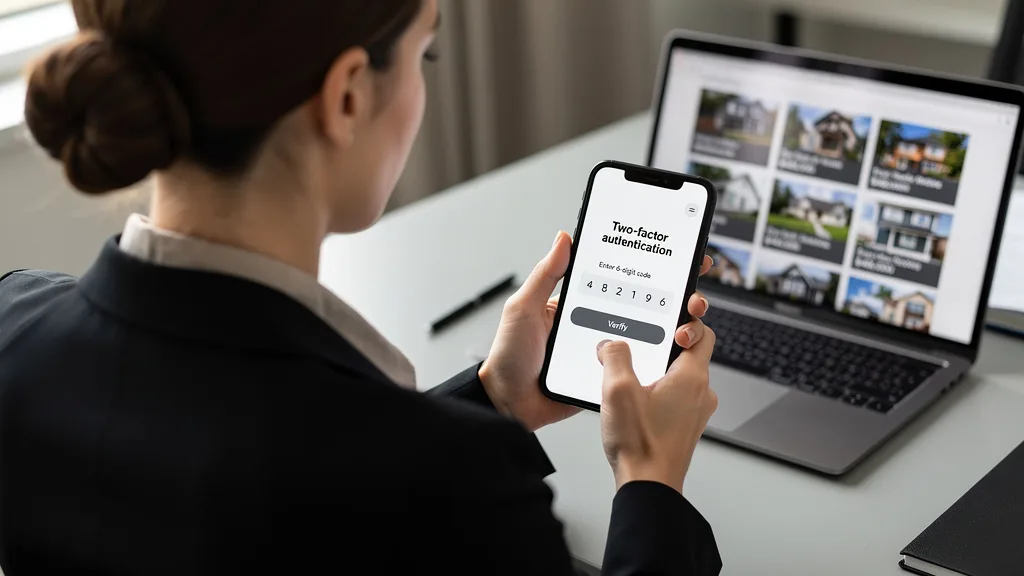
When creating a new password, ensure it meets the site's security requirements, which often include a mix of uppercase and lowercase letters, numbers, and symbols. This is the quickest way to regain access if a forgotten password is the only issue. Make sure to choose a password you haven't used before for that site.
Step 2: Check Your Email and Spam Folder for Verification Links
After requesting a password reset, you must locate the email from the property site. It's crucial to check not only your primary inbox but also your spam, junk, or promotions folders. Automated emails from websites are frequently misidentified as spam by email filters.
If the email isn't in your inbox, a quick search in your spam folder will likely reveal it. The email will contain a time-sensitive link. If you wait too long to click it, the link may expire, and you'll need to restart the password reset process from the beginning.
Step 3: Clear Your Browser's Cache and Cookies
Sometimes, the problem isn't your credentials but your browser. Stored data, known as cache and cookies, can become corrupted or outdated, causing login conflicts. Clearing this data forces your browser to load the freshest version of the website and can resolve unexpected errors.
Every browser has a slightly different process for clearing cache, but it's typically found in the 'Settings' or 'History' menu under a 'Clear Browsing Data' option. After clearing the data, close and reopen your browser before attempting to log in again. If you frequently encounter these types of errors, it might be time to review how to fix browser issues on Dubai property sites to prevent them from recurring.
Step 4: Try Accessing Your Account in an Incognito Window
An incognito or private browsing window provides a clean slate, free from existing cookies, cached files, and browser extensions. This is an excellent diagnostic tool. If you can log in successfully in an incognito window, it strongly suggests that a browser extension or corrupted cache in your normal browsing session is the culprit.
To open an incognito window, you can typically use the shortcut Ctrl+Shift+N (or Cmd+Shift+N on a Mac). If this works, the next step is to disable your browser extensions one by one in your normal browser to identify which one is causing the conflict. This is a key part of any comprehensive Regain Access to Property Sites: Troubleshooting Guide.
Advanced Troubleshooting for Persistent Account Issues
If the basic steps have failed, it's time to consider more complex reasons for your lockout. These advanced troubleshooting methods address issues related to account verification, security flags, or platform-wide suspensions. These problems require more than a simple password reset to resolve.
Complete Any Required Identity Verification
Many platforms, especially those handling transactions or sensitive data, require identity verification to comply with regulations and prevent fraud. If you've recently changed your contact information or are logging in from a new location, the system may have flagged your account and require you to re-verify your identity.
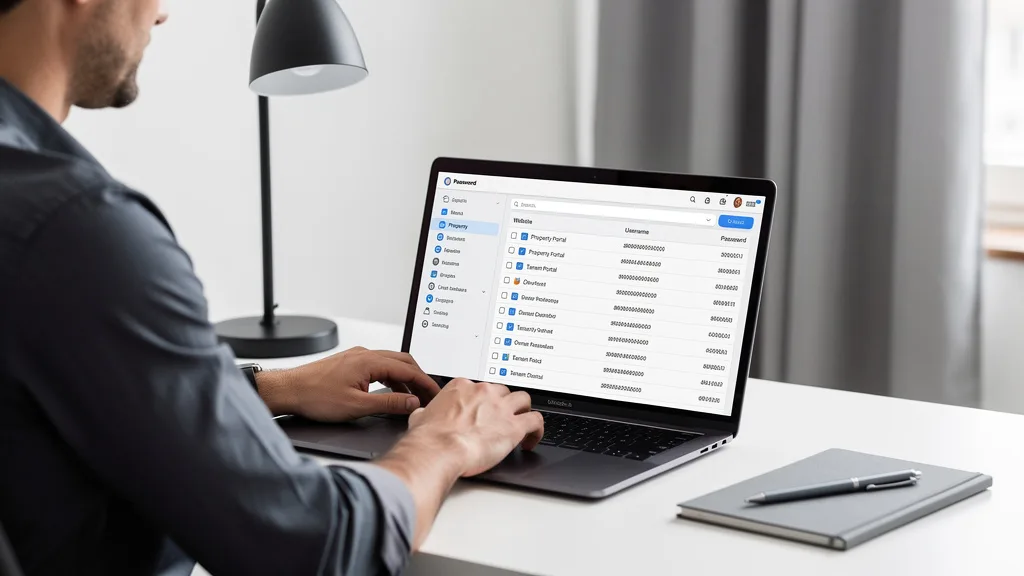
This process might involve uploading a photo of a government-issued ID or answering specific security questions you set up previously. Check your email for any messages from the property site requesting this information. Completing these steps promptly is often the only way to unlock your account in these situations.
Check for Account Suspension or Deactivation Notices
If you still can't get in, there's a possibility your account has been suspended or deactivated. This action is typically taken if you have violated the website's terms of service. Examples include posting fraudulent listings, spamming other users, or engaging in other prohibited activities. It's a serious step that platforms take to maintain the integrity of their marketplace.
Thoroughly search all your email folders, including spam, for a notification from the platform. This email should explain the reason for the suspension and outline any steps you can take to appeal the decision. Without this communication, you will have little context when contacting support.
Attempt to Log In from a Different Device or Network
To rule out environmental factors, try logging in from a completely different setup. Use your smartphone on its cellular network instead of your laptop on your home Wi-Fi. Alternatively, try a different computer or a different internet connection, like a friend's house or a public library.
If you can log in successfully on a different device or network, the problem likely lies with your original device's settings, software, or your home network's firewall configuration. This insight is valuable, as it narrows down the source of the problem significantly and can help you find a permanent solution.
"In 2026, property sites are more vigilant than ever about account security. Proactively verifying your identity and using all available security features is often the fastest way to resolve advanced access issues and prevent them in the future."
When and How to Contact Property Site Support
When all self-service troubleshooting has failed, your final resort is to contact the property site's customer support team. Approaching this step with the right information and using the correct channels will dramatically increase your chances of a quick and successful resolution.
Gathering Key Information Before You Make Contact
Before you initiate contact, prepare a summary of your issue. Having this information ready will save time and help the support agent understand your problem faster. A well-prepared user is much easier to help than someone who is unprepared.
- Your account username and the primary email address associated with it.
- The approximate date and time the issue first occurred.
- A clear, concise description of the problem.
- The exact wording of any error messages you received.
- A list of the troubleshooting steps you have already tried.
- The type of device and browser you are using.
Finding the Correct Support Channel for Your Issue
Websites offer various support channels. Look for a 'Help', 'Contact Us', or 'Support' link, usually found in the website's footer or main menu. Common channels include a support ticket system, a direct email address, or a live chat feature. Some may even offer phone support for urgent issues.
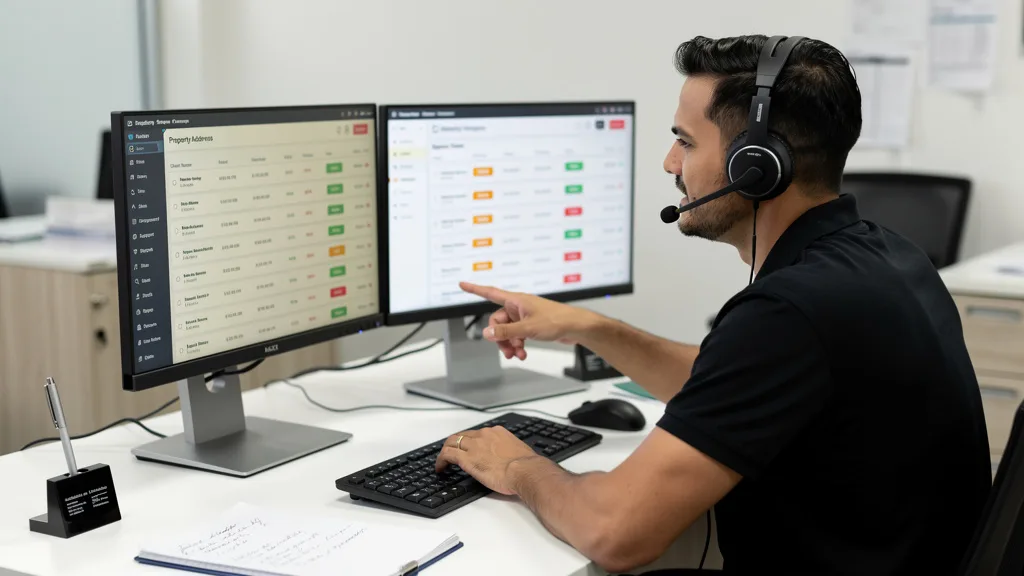
Choose the channel that best fits your situation. For complex issues like account suspension, a support ticket or email is often best because it allows you to provide detailed information and creates a written record of your communication. For more general login problems, live chat can be faster. Some platforms even offer a detailed knowledge base to help you Troubleshoot login issues on your own.
Best Practices to Prevent Future Account Lockouts
Once you regain access, the goal is to never lose it again. Adopting a few simple security best practices can significantly reduce the risk of future lockouts and protect your account from unauthorized access. Prevention is always better than a cure.
Using a Secure Password Manager
Remembering strong, unique passwords for every website is nearly impossible. This is where a password manager comes in. These applications, such as 1Password, Bitwarden, or Dashlane, generate and securely store complex passwords for all your accounts. You only need to remember one master password to access your entire vault.
Using a password manager eliminates the risk of using weak or reused passwords, which is a leading cause of account compromises. It also makes the login process faster and more secure, as many managers can autofill your credentials directly into the login fields. This is a cornerstone of modern digital security.
Enabling Two-Factor Authentication (2FA)
Two-Factor Authentication, or 2FA, adds a critical second layer of security to your account. Even if a malicious actor steals your password, they won't be able to log in without the second factor. This is typically a temporary code sent to your phone via SMS or generated by an authenticator app like Google Authenticator or Authy.
Most reputable property sites and online platforms now offer 2FA as a standard security option. Enabling it is one of the single most effective things you can do to protect your account. It's a minor inconvenience during login that provides a massive boost in security, making it an essential practice in 2026.
Keeping Your Contact Information Updated
Your ability to recover an account almost always depends on the contact information on file. If you lose access and the email address or phone number associated with your account is outdated, you will have a very difficult time proving your identity and resetting your password.
Make it a habit to periodically review your profile on important sites to ensure your email and phone number are current. This simple check can save you from a major headache down the line. It's a vital step in managing your digital life, just as important as finding the right real estate agent in Dubai for your property journey.
| Method | Description | Security Level |
|---|---|---|
| Password Manager | Uses an application to generate and store unique, complex passwords for each site. | High |
| Two-Factor Authentication (2FA) | Requires a second form of verification (e.g., a code from your phone) in addition to your password. | Very High |
| Regular Info Updates | Periodically confirming that your registered email and phone number are current for recovery purposes. | Essential |
Key Takeaways
Losing access to a property site can be disruptive, but a solution is usually within reach. By following a clear process, you can efficiently diagnose and fix the problem. Here are the most important points to remember from this guide:
- Always start with the 'Forgot Password' function, as it is the most common and fastest solution.
- Rule out technical glitches by clearing your browser's cache or using an incognito window.
- If basic steps fail, check for account suspension notices or identity verification requests in your email.
- When contacting support, have all your account information and a summary of the issue ready.
- Prevent future lockouts by using a password manager and enabling two-factor authentication (2FA).
Frequently Asked Questions
What should I do if I suspect my property site account was hacked?
If you suspect your account has been compromised, act immediately. First, attempt to reset your password. If successful, review your account for any unauthorized changes to your profile, saved listings, or messages. Enable two-factor authentication (2FA) right away if you haven't already.
If you cannot reset your password because the hacker has changed the associated email address, you must contact the site's support team immediately. Inform them that you believe your account has been taken over. They will initiate a more rigorous identity verification process to help you reclaim your account. For more information, you can often find a relevant FAQ on the site's help pages.
How long does it typically take to regain account access through support?
The time it takes to regain access via support can vary widely depending on the complexity of the issue. For simple password resets where you can provide all necessary information, a support agent might resolve the issue in a matter of minutes to a few hours.
However, for more complicated cases, such as an account takeover or a suspension appeal, the process can take longer. It may involve an identity verification process that can take 24 to 72 hours or more, as the support team needs to ensure they are restoring access to the legitimate owner.
Can I recover my property listings if my account is permanently deleted?
In most cases, if an account is permanently deleted, all associated data, including your saved property listings, search history, and personal information, is irretrievably lost. Deletion is typically a final action that cannot be reversed. This is different from an account being suspended or deactivated, which is often temporary and reversible.
Before deleting an account, most platforms provide multiple warnings to ensure you understand the consequences. If your account was deleted without your consent, your only option is to contact support, but you should be prepared for the possibility that the data cannot be recovered.
Why would a property site suspend a brand-new account?
A brand-new account can be suspended for several reasons, often by automated security systems. This can happen if the information used to sign up (like the email address or name) matches data from previously banned accounts. Using a VPN or proxy service can also trigger a suspension, as it can be seen as an attempt to hide your location or identity.
Additionally, if you immediately engage in activity that looks like spam, such as sending a high volume of messages, or if your profile information is incomplete or appears fake, the system may flag your account for a manual review, resulting in a temporary suspension. The key is to build your profile authentically after signing up.
Is it safe to use a password manager for multiple real estate site logins?
Yes, using a reputable password manager is significantly safer than the common alternative of reusing the same password across multiple sites. A password manager allows you to create a unique, strong, and complex password for every single real estate site, which is the gold standard for password security.
The security of this system relies on you protecting your one master password. Ensure your master password is very strong and enable two-factor authentication on the password manager account itself. This combination provides robust protection for all your online credentials, including those for valuable property site accounts.
Conclusion
Being locked out of a property site is a common but solvable frustration. By following the systematic troubleshooting steps outlined in this guide, from basic password resets to advanced verification, you can efficiently regain control of your account. The key is to stay calm, work through the process logically, and prepare your information before contacting support. To prevent future issues, adopting strong security habits like using a password manager and enabling 2FA is the most effective strategy for 2026 and beyond.
While this guide helps you manage your online access, finding the right property requires expert guidance. If you're navigating the Dubai real estate market and need assistance with your search, our team is here to help you find the perfect apartment. Get a Quote today to connect with a specialist.