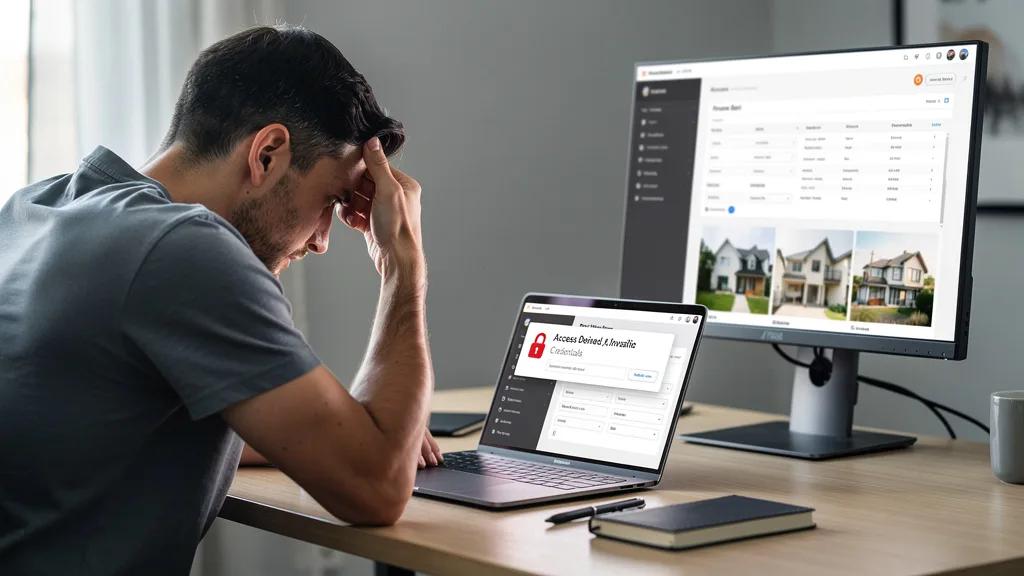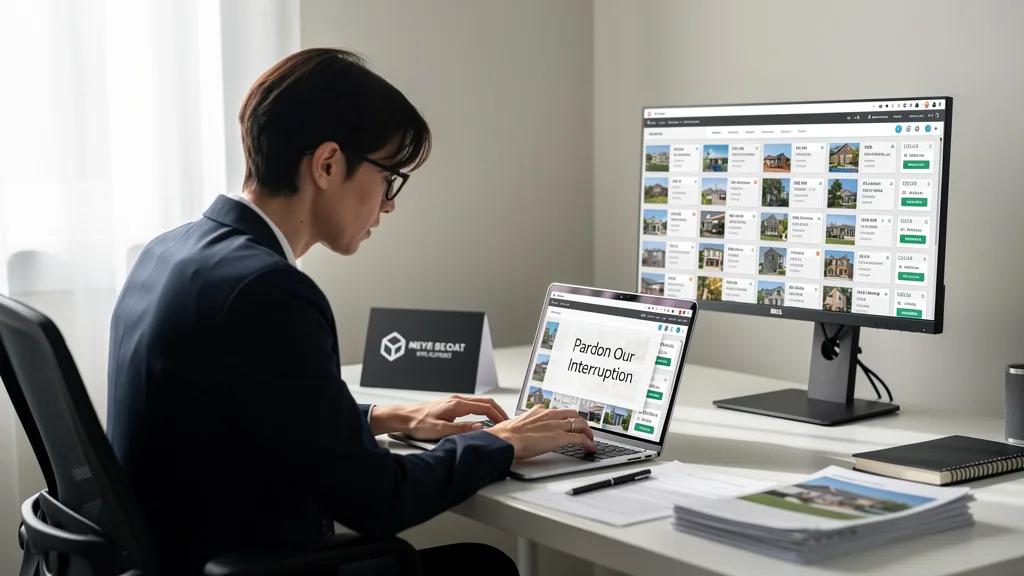
Have you found the perfect property listing, only to be blocked by a frustrating "Pardon Our Interruption" message? This common error can halt your search in its tracks, leaving you wondering if the site is down or if your connection is faulty. It is a roadblock that feels arbitrary, but it almost always has a logical cause and, more importantly, a solution.
To how to fix pardon our interruption error on property sites, you should first try clearing your browser's cache and cookies, as this resolves most conflicts. If that fails, disabling your VPN or proxy, trying an incognito window, or simply restarting your device can restore access. This error is a security measure designed to block automated bots, and these simple steps often prove to the website that you are a legitimate human user.
Understanding the "Pardon Our Interruption" Error Message
When you encounter the message "Pardon Our Interruption," it is not a standard browser error. Instead, it is a security screen generated by a Web Application Firewall (WAF) or a Content Delivery Network (CDN) like Cloudflare, Akamai, or Incapsula. These services sit between you and the website's server, actively filtering traffic to block malicious activities like data scraping, DDoS attacks, and other automated threats.

The system has flagged your activity as potentially non-human or suspicious, even if your intentions are perfectly normal. It's a case of mistaken identity where the site's security is being a little too cautious. Understanding this is the first step, as it shifts the focus from fixing a "broken" website to proving your legitimacy to its security system.
Common Triggers: From Bot Detection to Browser Issues
Several factors can trigger this security response. One of the most common is behavior that mimics a bot, such as navigating through pages at a superhuman speed or opening dozens of listings in rapid succession. This kind of activity is typical of data scrapers, so security systems are trained to block it. Using a VPN or proxy service is another major red flag, as these tools are often used to mask malicious traffic, causing security systems to be wary of their IP addresses.
Other triggers are less about your behavior and more about your technology. An outdated web browser, corrupted cookies, or even certain browser extensions can interfere with how the site's security scripts run. For example, if you have disabled cookies or JavaScript, many modern websites will fail to validate your session correctly, leading to this interruption error. These technical glitches can make your legitimate browsing session appear suspicious to the WAF.
Why This Error Appears on High-Traffic Property Sites
Property listing websites, much like ticketing websites and e-commerce platforms, are prime targets for automated data scraping. Competitors and third-party data aggregators use bots to systematically collect pricing, availability, and property details. This activity can strain server resources, steal valuable proprietary data, and give competitors an unfair advantage. To protect their data and ensure a stable experience for genuine users, these sites employ aggressive bot detection measures.
This is why you are more likely to see the "Pardon Our Interruption" error on a major real estate portal than on a small personal blog. The high value of their data necessitates a strong defense. While this security is essential for the website's operation, it can occasionally misfire and block legitimate users like you. The goal of the following fixes is to help your browser session pass these security checks successfully.
5 Quick Fixes to Resolve the Interruption Error Immediately
When you're eager to continue your property search, you need solutions that work right away. The following five steps are the fastest and most effective ways to resolve the interruption error. In most cases, one of these will get you back to browsing listings in just a few minutes. They are ordered from least disruptive to most, so you can start with the simplest fix.
These methods work by clearing away the data or settings that are causing the site's security system to flag your connection. By starting with a clean slate, you give the website a fresh chance to identify you as a valid user. The table below summarizes these initial troubleshooting steps for easy reference.
| Step | Action | Why It Works |
|---|---|---|
| 1 | Clear Cache and Cookies | Removes old or corrupted site data that may be causing conflicts. |
| 2 | Use Incognito/Private Mode | Bypasses extensions and stored data for a clean session. |
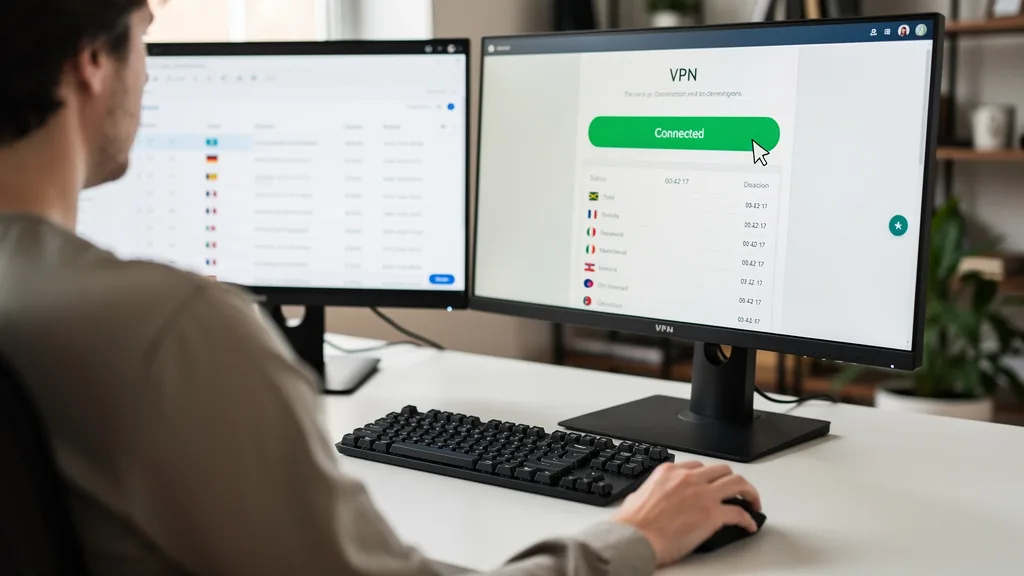
| 3 | Disable VPN or Proxy | Prevents your IP from being flagged as suspicious. |
| 4 | Hard Refresh the Page | Forces the browser to download the latest version of the site. |
| 5 | Restart Device and Router | Resets your network connection and clears temporary system glitches. |
Step 1: Clear Your Browser's Cache and Cookies
Your browser stores data from websites you visit in its cache and cookies to speed up future visits. However, this data can become outdated or corrupted, leading to conflicts with a site's security protocols. Clearing this data is often the most effective first step in resolving the pardon our interruption error.
In most browsers like Google Chrome or Firefox, you can find this option in the 'Settings' menu, usually under 'Privacy and Security.' Be sure to clear the cache and cookies specifically for the time range in which the error occurred, or for 'All time' to be thorough. After clearing, close your browser completely and then try accessing the property site again.
Step 2: Try Accessing the Site in Incognito or Private Mode
Opening a website in your browser's incognito or private mode is an excellent diagnostic tool. This mode starts a fresh session without using your existing cookies, cache, or browser extensions. If you can access the property site without the error message in incognito mode, it strongly suggests that the problem lies with your browser's stored data or one of your extensions.
To open an incognito window in Chrome, press Ctrl+Shift+N (or Cmd+Shift+N on a Mac). For other browsers, the option is typically found in the main menu. If the site works, you can proceed with clearing your cache as described in Step 1 or start investigating your browser extensions as a potential cause.
Step 3: Temporarily Disable Your VPN or Proxy
Virtual Private Networks (VPNs) and proxy servers are a very common cause of this error. While great for privacy, they route your traffic through remote servers, and the IP addresses of these servers are often shared by many users. If anyone using that same IP address has engaged in suspicious activity, the IP can get blacklisted by security services, blocking everyone connected through it.
To test this, temporarily disable your VPN or proxy and try accessing the site using your direct internet connection. If the error disappears, your VPN was the culprit. You can either keep it disabled while using that specific site or try connecting to a different server location within your VPN app, as it will assign you a new IP address that may not be blocked.
Step 4: Perform a Hard Refresh of the Web Page
Sometimes your browser holds onto an old version of the page, including the error message itself. A standard refresh (F5 or the refresh button) might not be enough to fix this. A hard refresh forces your browser to ignore its local cache and re-download all assets for the page directly from the server. This ensures you are loading the absolute latest version of the site.
The keyboard shortcut for a hard refresh is typically Ctrl+F5 on Windows or Cmd+Shift+R on a Mac. Performing this action can resolve issues where a cached script or stylesheet is causing the security check to fail. It's a simple but surprisingly effective step that takes only a second to try.
Step 5: Restart Your Device and Internet Router
If the simpler fixes have not worked, the classic IT solution of restarting your equipment is worth a try. Restarting your computer or smartphone clears out temporary glitches in the operating system and browser. More importantly, restarting your internet router will often assign you a new public IP address from your internet service provider (ISP).
Since the error is often tied to a flagged IP address, getting a new one is a powerful solution. Unplug your router's power cord, wait for about 30 seconds, and then plug it back in. Once it has fully rebooted and your device is reconnected to the internet, try visiting the property site one more time.
Advanced Troubleshooting for Persistent Access Problems
If the quick fixes didn't solve the issue, the problem might be rooted in more specific browser or network settings. These advanced steps require a bit more investigation but are often necessary for persistent interruption errors. They address deeper configuration issues that can interfere with modern web security protocols.
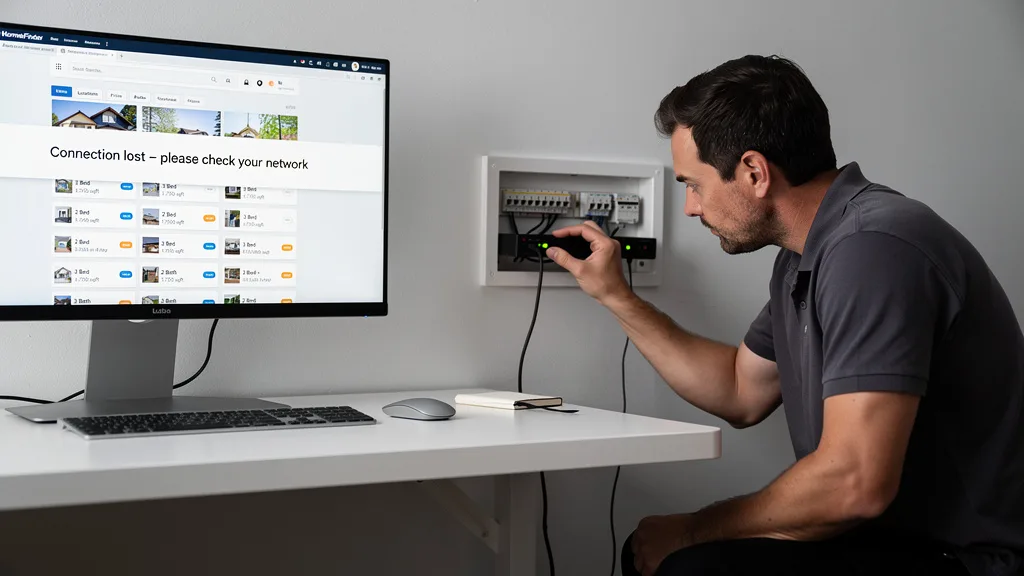
These solutions involve checking your browser's core functionalities, managing extensions, and resetting network configurations. While they are more technical, they are still well within the reach of a typical user and can be the key to finally gaining access to the property site you need. If you're struggling with access, these are your next logical steps.
Check and Enable JavaScript in Your Browser Settings
Virtually all modern, interactive websites, especially complex property portals, rely heavily on JavaScript to function. Security systems also use JavaScript to perform background checks to verify that you are a real user. If JavaScript is disabled in your browser, these checks will fail automatically, and the WAF will likely block you as a potential bot.
Check your browser's settings to ensure JavaScript is enabled. In Chrome, this is under 'Settings' > 'Privacy and security' > 'Site settings' > 'JavaScript.' Make sure it is set to 'Sites can use Javascript.' If you use an extension that blocks scripts, you may need to whitelist the property site to allow its essential scripts to run.
Identify and Disable Problematic Browser Extensions
Browser extensions, particularly those related to privacy, ad-blocking, or security, can aggressively interfere with website scripts. A third party browser plugin might block the very script the website uses to validate your session, inadvertently triggering the "Pardon Our Interruption" message. The easiest way to diagnose this is to disable all your extensions and see if the site loads.
If it does, you can re-enable your extensions one by one, refreshing the page after each one, to identify the culprit. Once you find the problematic extension, you can either disable it when using that property site or check its settings for an option to whitelist the site. This is a common solution, especially for users with multiple privacy-enhancing add-ons. You can often find detailed guides to fix browser issues on Dubai property sites that cover extension conflicts.
"In 2026, we see that the 'Pardon Our Interruption' error is most often a conflict between a site's necessary security and a user's browser configuration. More often than not, a privacy-focused extension or a VPN is the root cause, making the user appear as a non-human entity to the firewall."
Reset Network Settings on Your Computer
In rare cases, a persistent error can be caused by corrupted network settings on your computer itself. This can include DNS cache issues or misconfigured proxy settings at the operating system level. Resetting these settings can resolve stubborn connectivity problems that survive a simple router restart.
On Windows, you can do this by opening the Command Prompt as an administrator and running commands like `ipconfig /flushdns`, `netsh winsock reset`, and `netsh int ip reset`. On a Mac, you can reset network settings through the 'Network' pane in System Settings by removing and re-adding your Wi-Fi or Ethernet service. This is a more drastic step, so it should be reserved for when all other browser-level fixes have failed. property details.
How to Prevent This Error When Searching for Properties
While knowing how to fix the error is useful, preventing it from happening in the first place can save you a lot of frustration. By adopting a few simple browsing habits and keeping your software in good shape, you can significantly reduce the chances of being flagged as a bot during your property search.
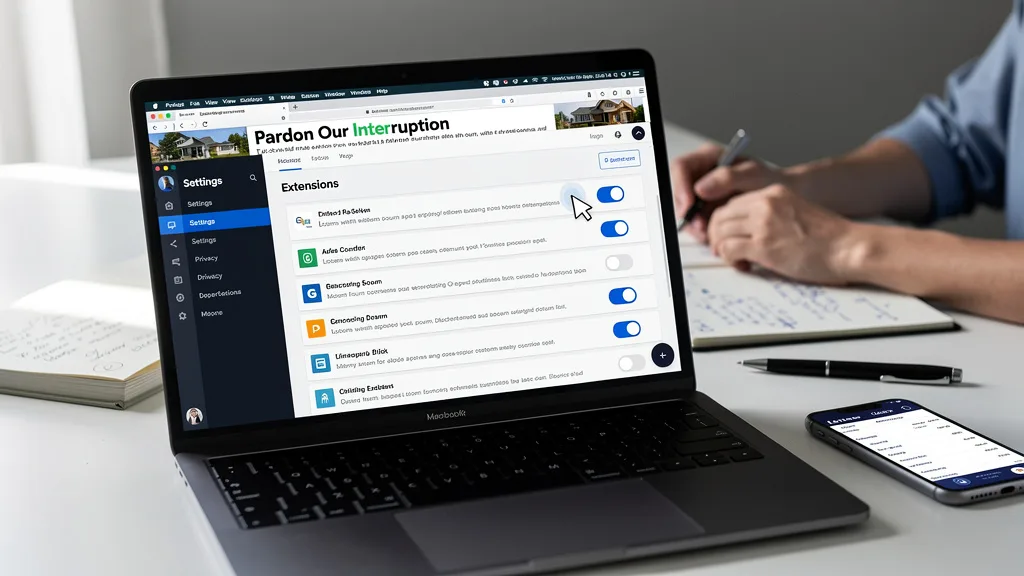
These preventative measures are all about signaling to websites that you are a legitimate human user. They align your browsing behavior with typical human patterns and ensure your browser is communicating effectively with the site's security systems. Following these tips will lead to a smoother experience when exploring different Dubai apartment rental options online.
Avoid Moving Through Pages at Superhuman Speed
One of the key behaviors that bot detection systems look for is unnaturally fast navigation. A power user moving through dozens of pages per minute, opening many tabs from a search result simultaneously, or clicking links faster than a human typically could, will raise red flags. While you may be an efficient researcher, this can be misinterpreted as automated scraping.
To avoid this, try to browse at a more measured pace. Spend a few seconds on each listing before moving to the next. Avoid opening 20 tabs all at once. By mimicking a more casual browsing pattern, you are less likely to trigger the security thresholds that lead to the interruption screen. This small change in habit can make a big difference.
Keep Your Web Browser and Security Software Updated
Running an outdated web browser can cause a host of compatibility issues, including problems with modern security protocols. Browser updates often include patches for security vulnerabilities and improvements to how they handle scripts and cookies. An old browser might fail a security check that a newer version would pass easily.
Ensure your browser is set to update automatically. The same applies to your operating system and any security software you use. Keeping your digital toolkit up-to-date ensures all components can communicate correctly, reducing the chances of a miscommunication that leads to you being blocked. This is a fundamental aspect of good digital hygiene that helps prevent many common web errors, including this one.
Key Takeaways
Navigating the "Pardon Our Interruption" error doesn't have to be a major hurdle in your property search. By understanding its cause and knowing the right steps to take, you can quickly resolve the issue and get back to finding your next home or investment. Here are the most important points to remember:
- It's a Security Feature, Not a Bug: This error means a website's firewall thinks you're a bot, usually due to your IP address, browser settings, or rapid navigation.
- Start with Quick Fixes: Clearing your browser's cache and cookies, disabling your VPN, and trying an incognito window are the most common and effective solutions.
- Behavior Matters: Avoid browsing at superhuman speeds. A measured, human-like pace when looking at a luxury penthouse Dubai checklist or other detailed pages can prevent the error from triggering.
- Extensions Are Common Culprits: Ad-blockers and privacy-focused browser extensions can interfere with site validation scripts. Test by disabling them.
- When in Doubt, Restart: Restarting your router to get a new IP address is a powerful fix for persistent blocks.
Frequently Asked Questions
Why do property and ticketing sites think I'm a bot?
Property and ticketing sites are high-value targets for data scrapers who want to steal pricing, availability, and listing information. To protect their data and servers, these sites use aggressive Web Application Firewalls (WAFs) that monitor for bot-like behavior. Your activity, such as using a VPN or browsing too quickly, can accidentally match these patterns and cause the system to block you as a precaution.
These security measures are a necessary defense mechanism for the business. While they can be inconvenient for legitimate users, they are crucial for maintaining the integrity and performance of the service. Your goal is to ensure your browsing session doesn't raise any of these security red flags.
How do I get rid of the "Pardon Our Interruption" error on eBay?
The steps to fix this error on eBay are identical to those for property sites, as it's often caused by the same underlying security systems. Start by clearing your browser's cache and cookies. If that doesn't work, try disabling your VPN and any ad-blocking or privacy extensions. Many users in online forums report success after taking these steps.
As discussed in community threads about the "Pardon Our Interruption... eBay thinks I'm a bot" issue, the problem can also be app-related if you're on a mobile device. In that case, clearing the app's cache or reinstalling the eBay app can often resolve the problem. The core issue remains a security system misidentifying you as a threat.
Is this error the same as "this site can't be reached"?
No, these are two very different errors. The "Pardon Our Interruption" message means you have successfully connected to the website's server, but a security layer on that server has decided to block you from viewing the content. Your connection is fine, but you've failed a security check.
In contrast, a "This site can't be reached" error (or a similar DNS error) means your browser failed to establish a connection with the website's server in the first place. This is a network-level problem that could be caused by a typo in the URL, a DNS issue, an internet outage, or the website itself being offline.
Can a browser plugin or extension cause this interruption error?
Yes, absolutely. Browser plugins, especially ad-blockers, anti-tracking tools, and some privacy-focused extensions, are a very common cause of this error. These tools work by blocking certain scripts and communication channels that websites use. Unfortunately, they can sometimes block the legitimate validation scripts that security systems use to distinguish humans from bots.
If you suspect an extension is the cause, the best approach is to disable all of them and try the site again. If it works, you can re-enable them one by one to find the specific plugin causing the conflict. Many extensions have a 'whitelist' feature where you can tell them not to run on specific trusted sites. A common example is a Safari Access Issue caused by content blockers.
What should I do if none of these fixes work?
If you have exhausted all the troubleshooting steps, including clearing your cache, disabling your VPN and extensions, and even resetting network settings, it's possible your specific IP address has been permanently blocklisted by the security service. This can happen if the IP was previously associated with malicious activity.
In this scenario, your only remaining option is to contact the website's support team directly. Explain the error you are seeing and the steps you have already taken to resolve it. Be sure to provide them with your public IP address (you can find it by searching "what is my IP" on Google) so they can investigate and potentially whitelist it.
Conclusion
Successfully resolving the "Pardon Our Interruption" error is about demonstrating to a website's security system that you are a legitimate human user. By methodically working through the fixes, from clearing your browser's cache to pausing your VPN and moderating your browsing speed, you can overcome this digital roadblock. In 2026, as online security becomes even more critical, understanding these simple steps ensures your property search remains smooth and uninterrupted.
Now that you have the tools to bypass these common web errors, you can focus on what truly matters: finding the right property. If your search leads you to the vibrant Dubai market, our team is ready to assist with expert guidance and access to exclusive listings. Let us help you navigate the process with ease. Get a Quote today to start your journey.